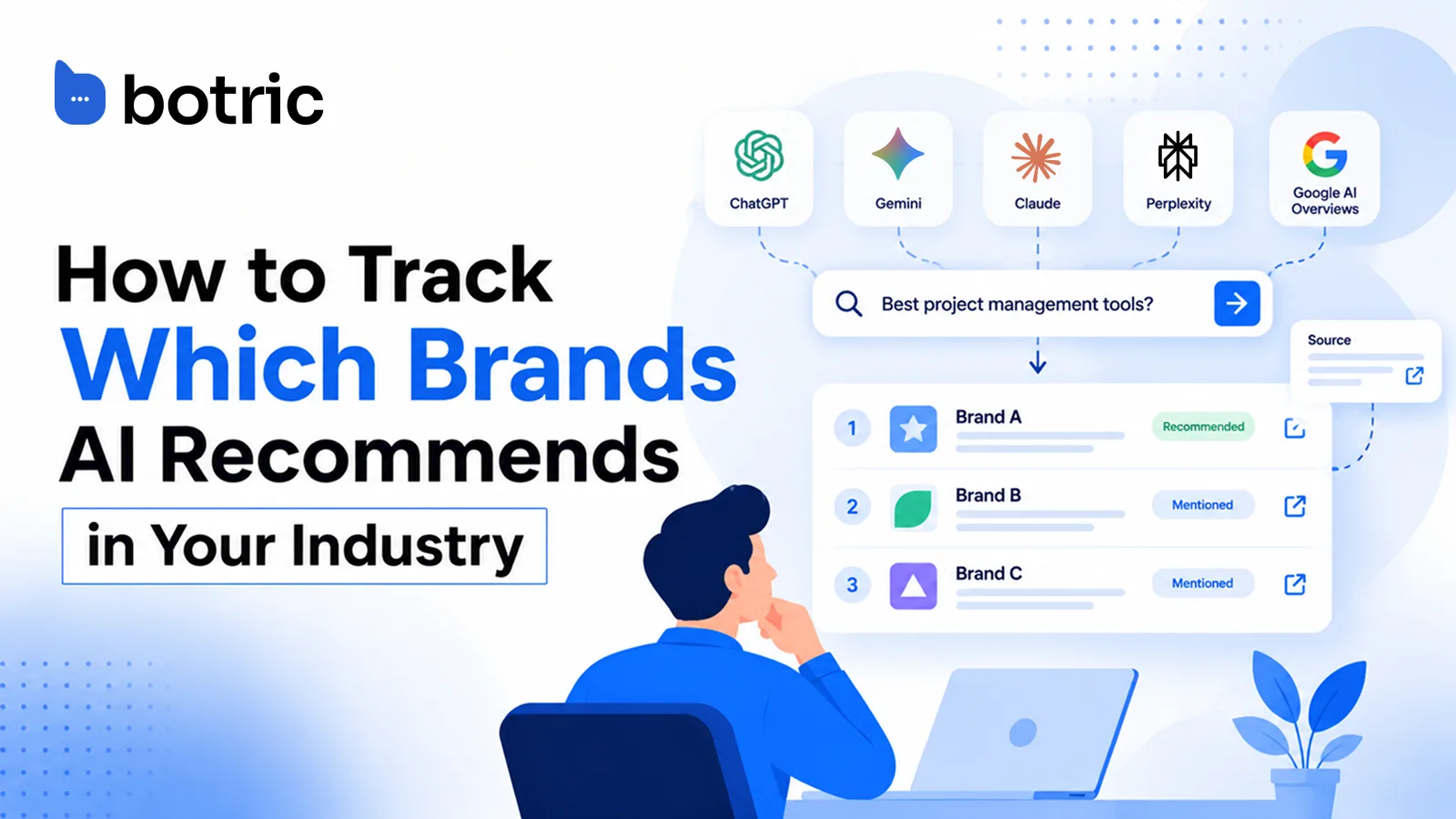
Ask ChatGPT for the best option in your category and it names a handful of brands. Ask again and the list changes. If your buyers ask AI who to trust, one check cannot tell you whether you are on the list.
AI brand monitoring solves this by sampling. You run the same buyer questions repeatedly, across engines, and record who gets named, how they are described and which source is cited.
This guide shows the free spreadsheet method for tracking ChatGPT brand mentions and AI citations, how to read the results, and when an AI visibility tracker such as Botric is worth using instead.
Start with a spreadsheet, then automate when it gets heavy. The method in four numbers:
- 20 to 30 buyer prompts per product line, frozen once written.
- 5 engines: ChatGPT, Gemini, Claude, Perplexity and Google AI Overviews.
- 4 fields per answer: mentioned or not, competitor named instead, sentiment, source URL cited.
- 3 to 5 runs of each prompt per engine, because answers change between runs.
Move to an AI visibility tracker when you add more product lines, engines or clients.
How can you see which brands AI recommends in your industry today, for free?
Write a set of questions a buyer in your category would ask. Run each in ChatGPT, Gemini, Claude and Perplexity in a fresh session, then search it in Google to see whether an AI Overview appears. Log every answer in a spreadsheet.
Each run gets one row with four fields: mention yes/no, competitor named instead, sentiment, and source URL cited. Those four columns are what separate a useful sheet from a pile of screenshots.
They tell you whether you appear, who appears instead, how the answer frames you, and which page the engine trusted enough to cite. The setup takes three steps:
- Open a logged-out or private browser window so no account history shapes the answer.
- Paste the prompt exactly as written in your panel, with no edits between engines.
- Copy the full answer into the sheet, then fill the four fields before moving to the next prompt.
Run each engine separately, including Google AI Overviews. A brand can rank well in Google AI Overviews and still be invisible in Perplexity or ChatGPT Search, as Botric's prompt-level tracking analysis shows. One engine's answer says little about another's.
How do you check Google AI Overviews?
Google AI Overviews work differently from a chat tool. They appear above the results for some searches and not for others, so search each prompt in a private browser window and log what you see.
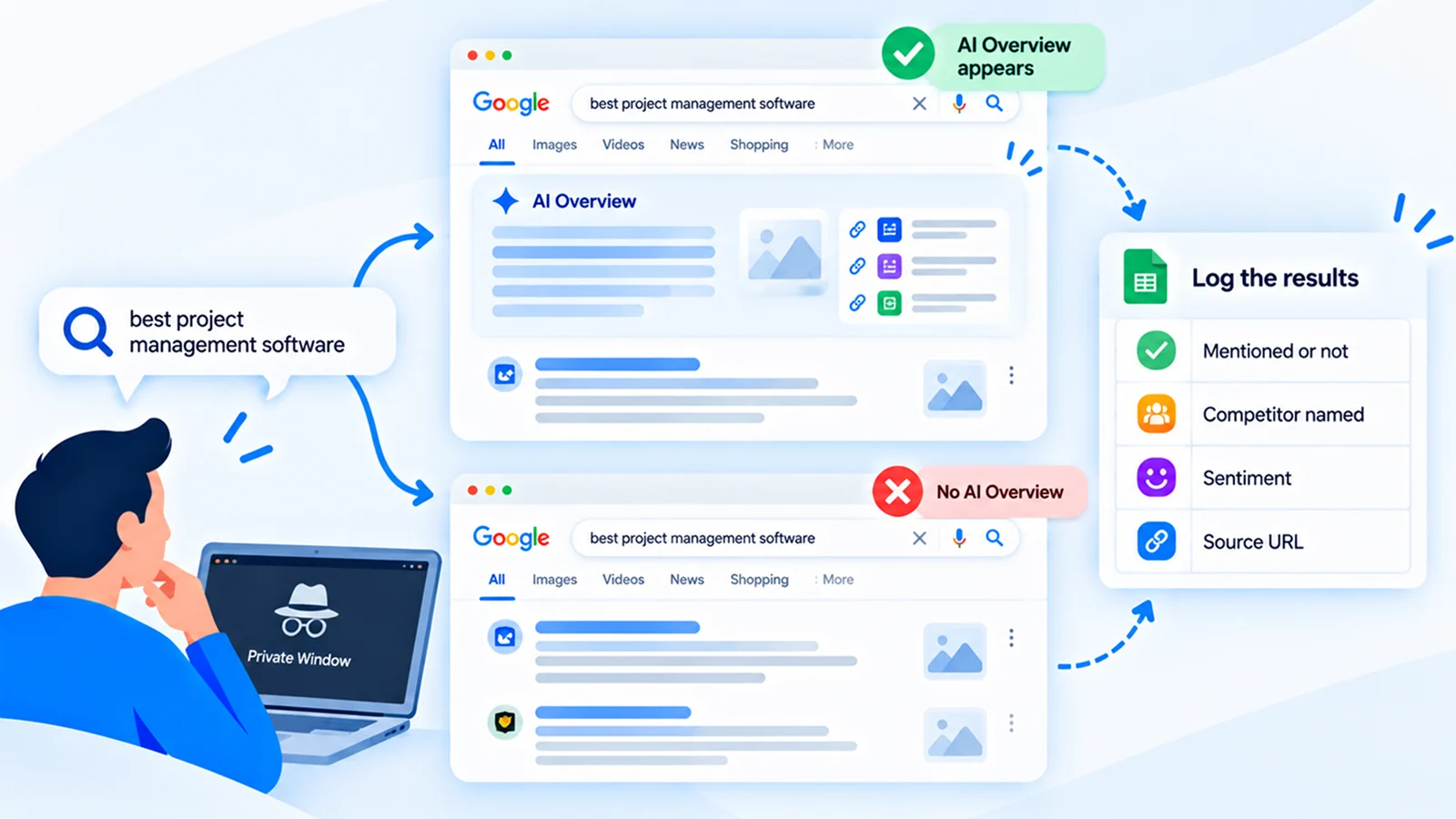
If an AI Overview appears, record the same four fields and the links it cites. If none appears, log "no AI Overview" for that run. That is a result too, because it tells you the prompt does not trigger one. Google says a page must be indexed and eligible to appear in Search with a snippet to qualify for its generative AI features, so strong classic SEO still feeds this engine.
Which prompts should go into your test panel?
Your panel should be a fixed list of buyer prompts that you never reword mid-test. Start with 20 to 30 prompts per product line. Sort them into category discovery, comparison, alternatives, validation and problem-first types.
The four prompt families
- Category questions: "What tools help B2B teams track customer feedback?"
- Shortlist prompts: "Best project management software for a small agency."
- Comparison and alternatives: "Alternatives to a tool you know buyers use."
- Problem-led questions: "How do I stop losing leads after a webinar?"
Phrasing and branding choices that change results
Use the words buyers actually type. Pull wording from sales call notes, support tickets and search queries. An AI engine answers the question as asked. A prompt full of internal jargon returns a flattering, unrealistic answer.
Keep branded and unbranded prompts in separate groups. A branded prompt such as "What is your brand?" shows whether engines describe you correctly. An unbranded category prompt shows who AI recommends when your name never enters the conversation, which is the real test of your standing. Most teams over-weight branded prompts because the results feel good, yet the unbranded group is where lost deals hide.
Freeze the wording once the panel is set. Change one word and the answer can shift, so any later comparison becomes meaningless. Add new prompts as new rows with a start date instead of editing old ones. If you maintain several panels, for example one per product line or per client, give each its own tab so the history stays clean.
That separation is also the first step toward the agency-style, multi-client management that gets painful in a plain sheet.
What exactly do you record for each answer?
Record four fields per run: whether your brand is mentioned, which competitor is named instead, the sentiment of the answer, and the source URL cited.
Add the prompt, engine and date as context columns so every row can be traced and repeated. A full sheet looks like this:
| Column | What goes in it |
|---|---|
| Prompt | Exact wording of each question |
| Prompt type | Category, shortlist, comparison or problem-led |
| Branded or unbranded | Keeps the two groups separate |
| Engine | ChatGPT, Gemini, Claude, Perplexity or Google AI Overviews |
| Date and run number | Lets you repeat each prompt and compare |
| Mentioned | Yes or no |
| Recommended | Named only, or singled out |
| Competitors named | In the order they appear |
| Sentiment | Positive, neutral or negative, with a quoted phrase |
| Source URL cited | The exact link |
Field 1: mention yes/no
Mark "yes" only if your brand name appears in the generated text. Then note separately whether it was recommended or merely named. Record whether a brand is mentioned, cited with a link, recommended or just named, and its position in the response, according to Botric's prompt-tracking guide.
A passing mention in a list of ten tools is not a recommendation, and counting it as one is the most common way to flatter yourself.
Field 2: competitor named instead
List every competitor that appears in the answer, in order. When you are absent, this column is the most valuable one in the sheet. Over several weeks it shows which two or three rivals AI treats as the default answer to your category.
Field 3: sentiment
Label each answer positive, neutral or negative, with a one-line reason. "Positive: described as easy to set up" is useful. "Positive" alone is not. Sentiment is subjective, so keep the reason short and quote the phrase that drove your label. Two people who disagree on a label can still agree on the quoted phrase.
Field 4: source URL cited
Copy the exact URL each engine cites. A mention means your brand name appears in the answer. A citation means the engine links to a page as a source.
Logging URLs helps you track which pages, whether yours or third-party reviews, engines rely on. Tracking ChatGPT brand mentions this way costs nothing but time.
A worked example row
| Field | Entry |
|---|---|
| Prompt | Best customer support software for a 20-person SaaS team |
| Engine / date | Perplexity / 5 Oct 2026, run 1 of 3 |
| Mention yes/no | No |
| Competitor named instead | Brand A (first), Brand B (third) |
| Sentiment | Neutral for Brand A: "reliable but pricey" |
| Source URL cited | A third-party review roundup, not a vendor site |
The cited URL in that row is the real finding. If a review page drives the answer, your job is to appear on that page, not just to publish more of your own content.
How do you read the results and spot who is winning your category?
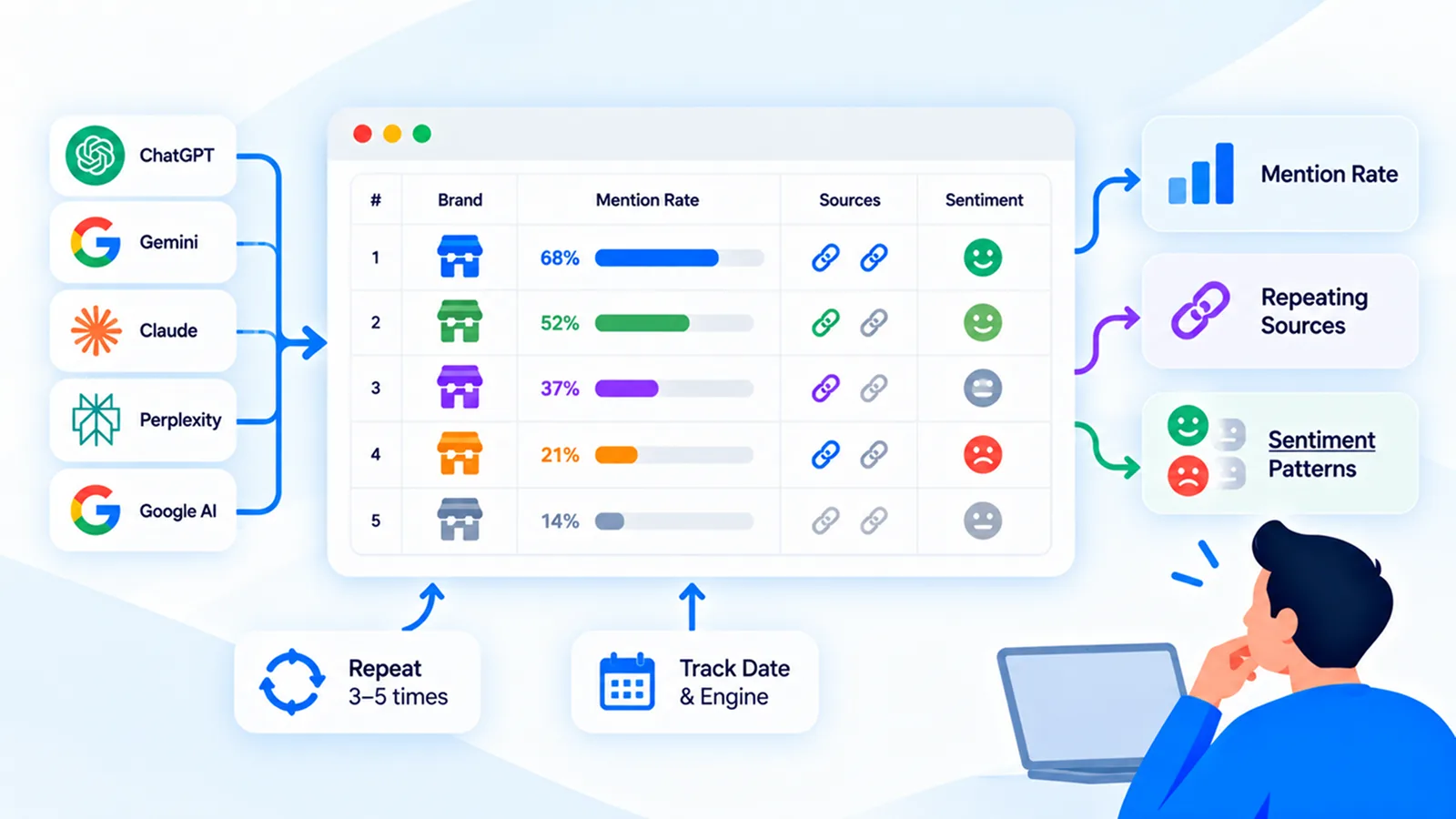
Tally mention rate per brand across all runs, then read the competitor column for patterns. The brand named most often in answers where you are absent is your real rival in AI search, whether or not it is your biggest competitor in the market.
Look for frequency, not a single winner
AI answers can vary from run to run. Repeat each prompt three to five times per engine, then report how often a brand appears and where it typically ranks in the answer.
Read the three patterns
- Mention rate: the share of runs where each brand appears. This is your core scoreboard.
- Repeating sources: if the same two or three URLs keep getting cited, those pages are your targets for earning a mention.
- Sentiment clusters: if your brand is described as "limited" or "basic" across engines, that framing is coming from somewhere specific, and the source column tells you where. GEO Foundations Module 7 explains the causes of brands being missed.
Mistakes that spoil the data
- Testing once and trusting the answer.
- Writing leading prompts that name your strengths.
- Mixing logged-in sessions that carry memory with clean ones.
- Counting a name in a long list as a recommendation.
Write the date and the engine in the same row as the result, never in a separate tab, so a filter by month never loses context.
What should you do with the results?
Turn each pattern into one action:
- Absent, and a review page is cited: get your brand included on that page, through a review, a roundup listing or an outreach request, before you write more of your own content.
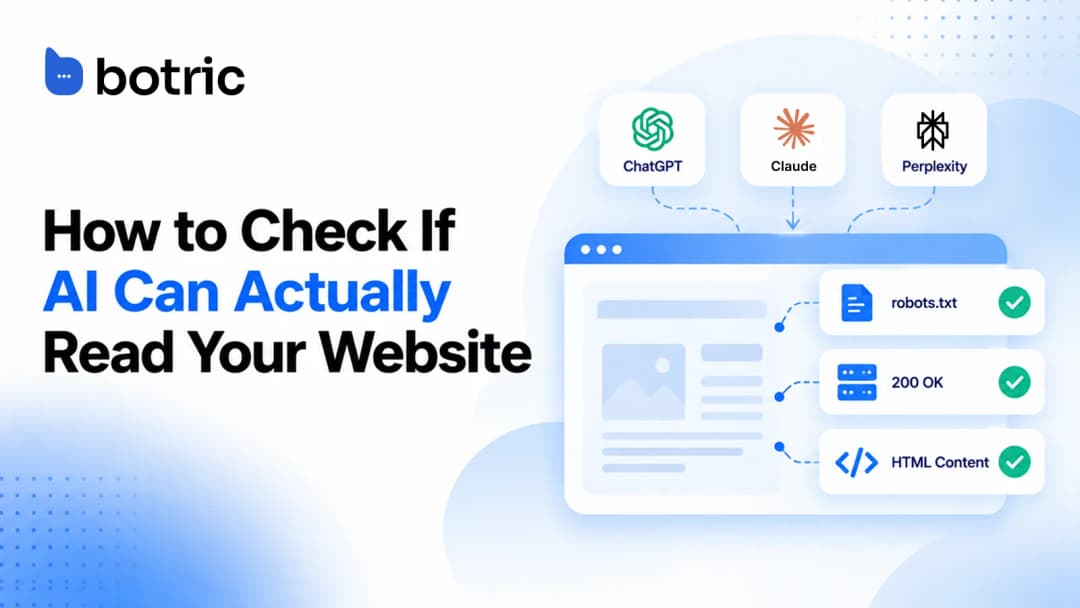
- Named, but with weak or wrong details: make your business details consistent across your site and profiles, and check that AI crawlers can read your pages with this crawler checklist.
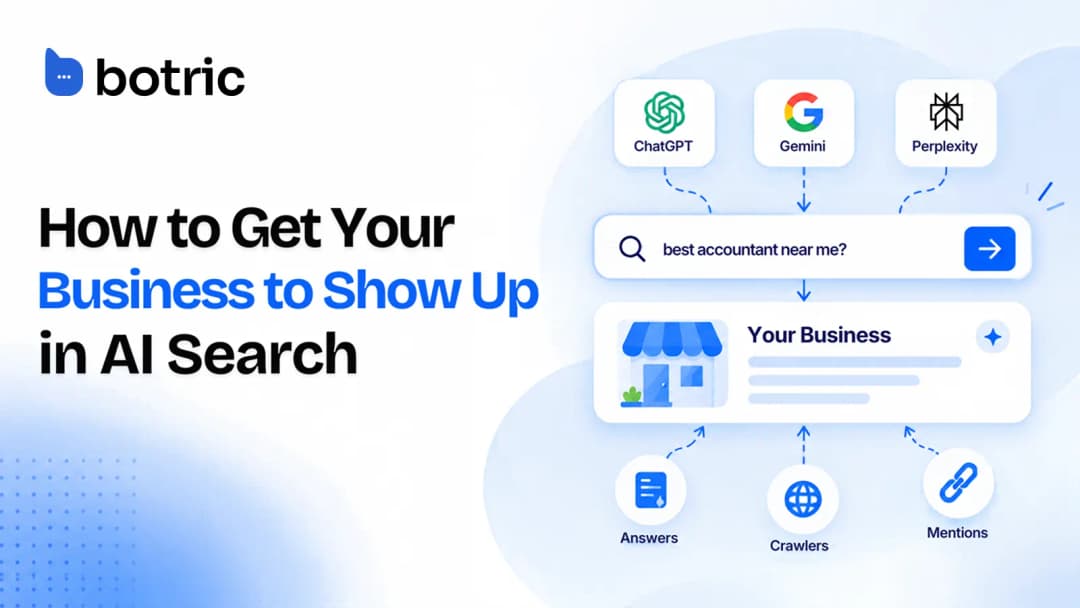
- Absent on a prompt your buyers really ask: write a page that answers that question directly. The full action plan is in how to get your business to show up in AI search.
- A competitor wins on sentiment: read the quoted phrase and the cited source. The framing usually comes from a specific page you can influence.
Re-run the same panel after each change, and judge direction over several weeks, not one run.
Where does manual AI brand tracking stop scaling?
Manual tracking breaks at volume. Every prompt multiplies across five engines and then across repeat runs, so the answer count balloons before you have read a single one. Weekly re-runs make it a part-time job.
The drift problem is worse than the volume problem. Answers change between runs, so a sheet filled over two days can mix results from different moods of the same model. Sentiment labels also slide as different people fill rows, and nobody keeps the habit up past the third month. A spreadsheet also cannot give you what matters most over time:
- Trend lines: whether your mention rate moved after you published or fixed something.
- Consistent engine coverage: the same prompts, same wording, every engine, every cycle.
- Source patterns: which cited URLs gained or lost ground, week over week.
- Client management: separate, comparable panels for each brand when you serve several.
When your sheet has more than one product line, or you run it for more than one client, that is the natural moment to automate.
How does an AI visibility tracker like Botric automate AI brand monitoring?
Botric runs mention yes/no, competitor named instead, sentiment and source URL cited on a recurring schedule across ChatGPT, Gemini, Claude, Perplexity and Google AI Overviews, and which engines you get depends on your plan.
The platform records the source URL the assistant cites on every run and re-runs prompts weekly, so the prompts you chose for the sheet become a standing panel.
You can start without paying. Botric offers a free audit with results in about 30 seconds and no signup, plus a 7-day free trial. For AI brand tracking at depth, the Infinity plan tracks 150 prompts for a brand and covers all five engines, while lower tiers cover fewer.
| Task | Spreadsheet | Botric |
|---|---|---|
| Four fields per run | Typed by hand | Recorded per run |
| Engine coverage | Whatever you have time for | Five engines on Infinity |
| Re-runs | When someone remembers | Weekly |
| Source patterns | Eyeballed | Source URLs logged per run |
For AI brand monitoring that starts free and grows with your panel, start Botric's free 30-second audit.
Conclusion
Tracking which brands AI recommends is a sampling exercise. A frozen panel of buyer prompts, four logged fields and repeated runs will show who AI treats as the default answer in your category and which pages it trusts when it says so. That is enough to find your biggest gaps for free.
The method stops scaling when you add more prompts, more engines or more clients. That is the point to automate instead of patching the sheet. Start with the spreadsheet this week, read the cited sources before anything else, and use Botric's free audit if you want a faster baseline.
- A free first pass needs only a set of buyer prompts, five engines and four logged fields per run.
- Keep the panel frozen and unbranded prompts central, since they show who AI recommends instead of you.
- Judge by frequency across repeated runs, because a single AI answer proves nothing.
- Manual tracking stalls once you add many prompts, several engines or more than one client.
- If you track one product line, start with the sheet; if you manage several brands, test Botric's free audit first.
Botric re-runs your prompts every week across engines and records whether you are mentioned, which competitors appear, the sentiment and the source URLs cited.
Start with the free audit, which takes about 30 seconds with no signup, or try the 7-day free trial.
Frequently Asked Questions
Can you track ChatGPT brand mentions for free?
Yes. Run your prompts in a fresh ChatGPT session and log each answer in a spreadsheet. It costs time, not money, and works for a first baseline.
How often should you re-run the panel?
Weekly is a sensible rhythm once you have a baseline. If weekly is unrealistic by hand, run it monthly and treat that as the reason to consider automation.
What is the difference between a mention and a citation?
A mention is your brand name appearing in an answer. A citation is the engine linking a page as its source.
Why log the cited source URL if you only care about being named?
Because the cited page often explains why a competitor wins. If a third-party review keeps showing up where you are absent, getting included there is faster than rewriting your own site.
Is a name in a long list a recommendation?
No. Log it as a mention and mark "recommended" only when the engine singles you out or places you at the top of a shortlist. Mixing the two inflates your results.