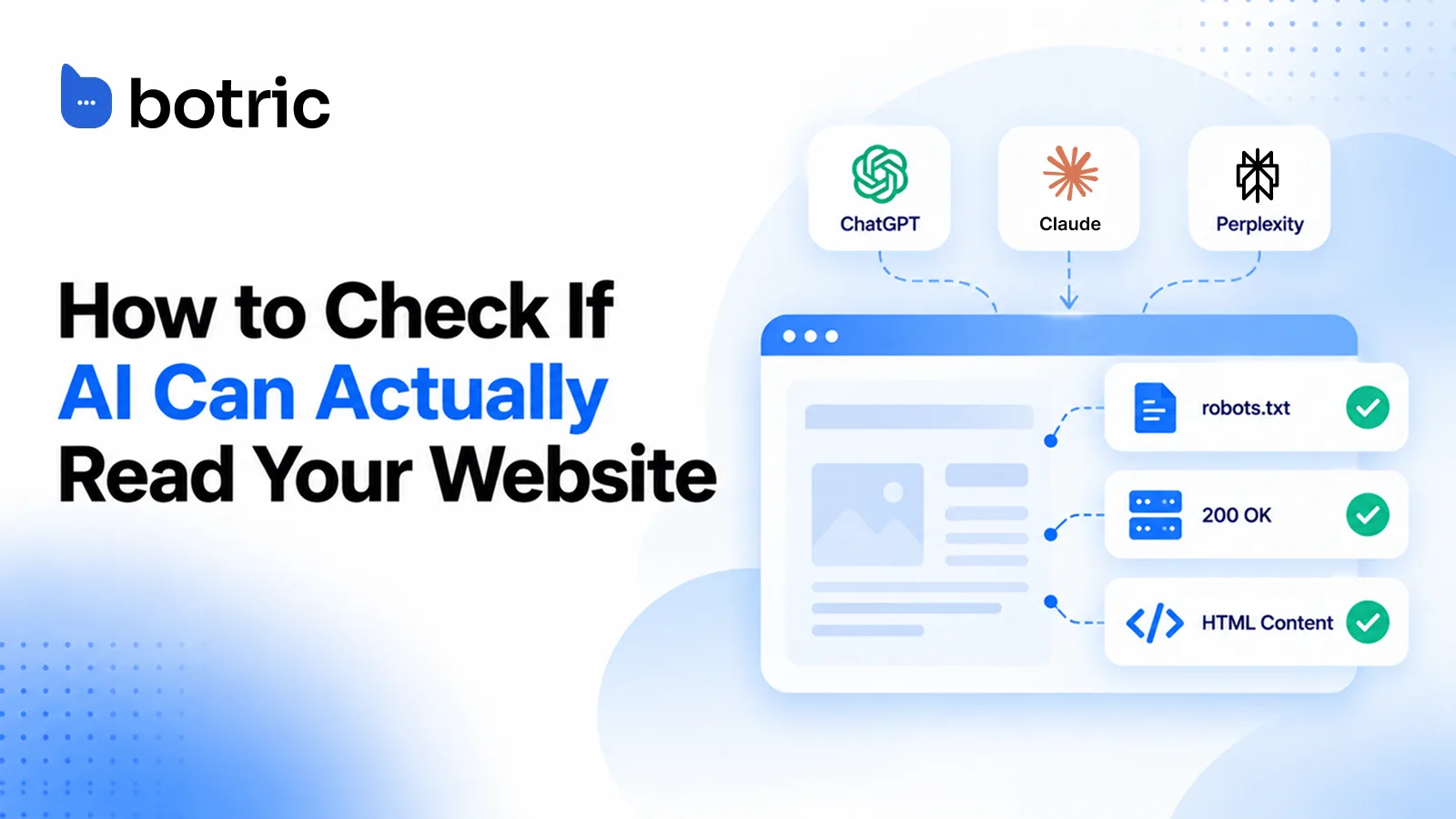
Run a five-minute check to see whether AI crawlers can read your site. Fetch your robots.txt, request a page without JavaScript, and confirm the text sits in the raw HTML with a successful response.
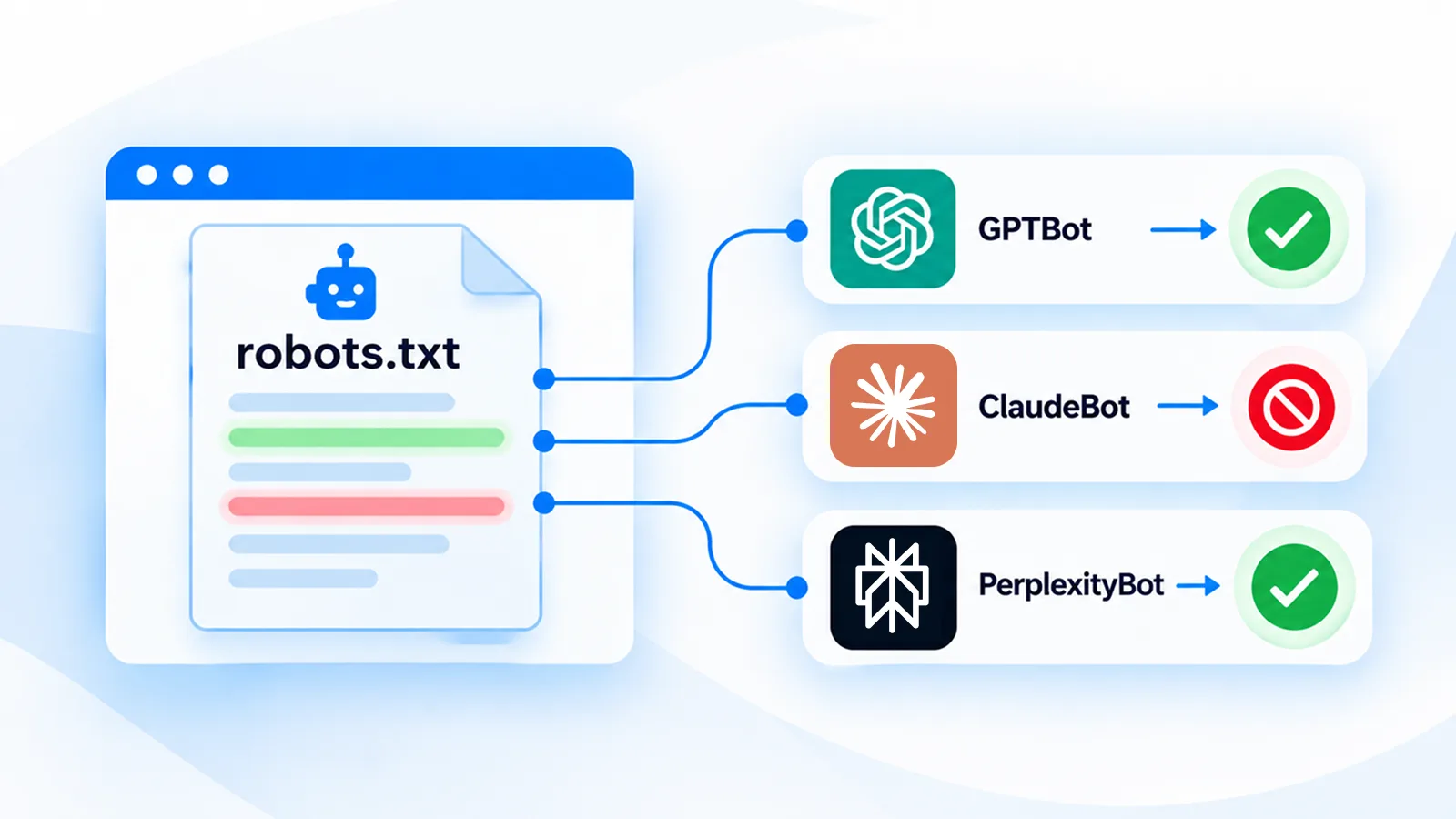
Botric's Site Audit checks whether AI crawlers can access and read your site as part of broader AI visibility tracking. It checks robots.txt, page accessibility, raw HTML content, and response status. GPTBot, ClaudeBot, and PerplexityBot have separate access rules, so each needs to be checked individually.
AI crawlers can read your page if all three of these pass:
- Robots.txt allows the bot. No rule blocks GPTBot, ClaudeBot or PerplexityBot (
curl -s https://yoursite.com/robots.txt). - The server answers. A normal request and a bot-style request both return a success status (
curl -I). - The text is in the raw HTML. Your key text appears before any JavaScript runs (
curl -s ... | grep).
One failure is enough to keep a page unreadable, and being allowed in robots.txt does not stop a firewall from turning a bot away.
How can you tell in five minutes whether AI crawlers can read your site?
Three things have to be true for a bot to read a page. Robots.txt must allow it, your server or firewall must not turn it away, and the content must exist in the HTML the server sends.
AI crawler: an automated bot that fetches web pages for an AI product, either to train models, to power search, or to answer a live user request.
Run these three commands, swapping in your domain:
curl -s https://yoursite.com/robots.txt
curl -I https://yoursite.com/
curl -s https://yoursite.com/ | grep -i "your key headline"
The first shows your rules. The second should return a success status (HTTP 200 OK). The third proves the text exists before any JavaScript runs. Browser view-source gives the same answer as the third command: if your product description is missing there, a crawler that does not render JavaScript will not see it either.
Botric's free audit covers related ground. It flags blocked crawlers in robots.txt, missing JSON-LD schema and a missing llms.txt, and it reports what it finds on your pages without predicting how any one AI engine will treat them.
Is your robots.txt blocking GPTBot, ClaudeBot or PerplexityBot?
Start by reading the live file, the one your server actually serves. Google's guide says robots.txt is a plain-text file at the site root that follows the Robots Exclusion Standard.
Files are allowed by default unless a rule says otherwise.
Which AI bots should you know?
| Bot | Operator | What it does, per the operator |
|---|---|---|
| OAI-SearchBot | OpenAI | Surfaces sites in ChatGPT's search features |
| GPTBot | OpenAI | Crawls content that may be used to train OpenAI's models |
| ChatGPT-User | OpenAI | Fetches pages for user-initiated actions in ChatGPT |
| ClaudeBot | Anthropic | Collects content that could contribute to model training |
| Claude-User | Anthropic | Fetches pages for users' questions |
| Claude-SearchBot | Anthropic | Analyzes content to improve search results |
| PerplexityBot | Perplexity | Surfaces and links sites in Perplexity search results; not used to train models |
| Perplexity-User | Perplexity | Fetches pages when a person asks a question |
Operators change these lists, so confirm against their own pages (OpenAI, Anthropic, Perplexity). One caveat matters for testing: OpenAI says robots.txt rules may not apply to ChatGPT-User, and Perplexity says Perplexity-User generally ignores robots.txt, because a person requested the fetch.
Spot the rules that catch AI bots
Look for a User-agent: * group with Disallow: /. That blanket rule blocks every crawler that has no group of its own. A bot-specific group takes priority.
The most specific user-agent match wins, so a named group can let a bot in even when the wildcard shuts others out.
A GPTBot robots.txt example
This lets OpenAI's search crawler in while declining training collection:
User-agent: OAI-SearchBot
Allow: /

User-agent: GPTBot
Disallow: /
That split works because OpenAI says each setting is independent. A site can allow OAI-SearchBot to appear in search results while disallowing GPTBot.
Changes can take about 24 hours to take effect. OpenAI also says sites opted out of OAI-SearchBot will not be shown in ChatGPT search answers, though they can still appear as navigational links.
Anthropic and Perplexity
Anthropic runs three bots, per its crawler help page. ClaudeBot collects content that could contribute to training. Claude-User fetches pages for users' questions, and Claude-SearchBot analyzes content to improve search results. Blocking the last two may reduce your visibility in user-directed search, so a single "block Claude" rule is rarely what you want. Perplexity documents its own bots at its crawler reference.
Robots.txt is a request that honest crawlers follow and others may ignore.
After editing, re-fetch the file with curl and read it again. A stray Disallow: / under a wildcard group is the mistake that undoes everything else.
Why can a crawler be allowed in robots.txt and still see nothing?
Because allowed is not the same as delivered. A CDN rule, a firewall setting or a login wall can answer a bot with an error even when robots.txt welcomes it.
Compare a normal request with a bot-style one
curl -I https://yoursite.com/
curl -A "GPTBot" -I https://yoursite.com/
If the first returns a success status and the second returns 403, something upstream is filtering by user-agent. Also look at response headers for X-Robots-Tag: noindex, and confirm the page does not redirect to a login screen.
This test has a limit. A spoofed user-agent is not proof of how the real crawler is treated, because firewalls often verify the source address too. OpenAI publishes IP ranges in its official crawler documentation, and Perplexity says its official IP endpoints are the source of truth for firewall rules.
Check the HTML itself
Run the grep from the first section against your key pages, including product and pricing pages. Product details, pricing and answers that load only after JavaScript runs are invisible to a fetch that never executes scripts. Also check for text locked inside images.
A headline, price or statistic that exists only as an image gives a crawler no text to read, and you should not assume it will read words out of a picture. Search the page source for the words in question. If they are missing and an <img> tag sits in their place, rebuild that text as real HTML and give any remaining images descriptive alt text.
Schema markup can help machines interpret a page, but no AI platform documents it as a citation factor, as we explain in Schema Markup for AI Search. Treat it as a clarity aid, and run Google's Rich Results Test to confirm it parses. For wider causes of missing visibility, see seven reasons a site misses AI answers.
| Check | Command or tool | Pass looks like |
|---|---|---|
| Robots rules | curl -s site/robots.txt | No blanket block on named bots |
| Server response | curl -I site/ | Success status for both normal and bot-style requests |
| Content in HTML | curl -s site/ | grep "text" | Key text appears in raw output |
| Text in images | Search the page source for the words | Headlines and stats exist as HTML text |
| Real bot identity | Compare log IPs to published ranges | Address matches the operator's list |
Do you need llms.txt, and what should you do after the checks?
Not to pass the checks above. llmstxt.org describes llms.txt as a proposal: a Markdown file at the site root with background, guidance and links to clean .md versions of useful pages. The official OpenAI, Anthropic and Perplexity pages cited here do not say their crawlers read it, so treat it as optional.
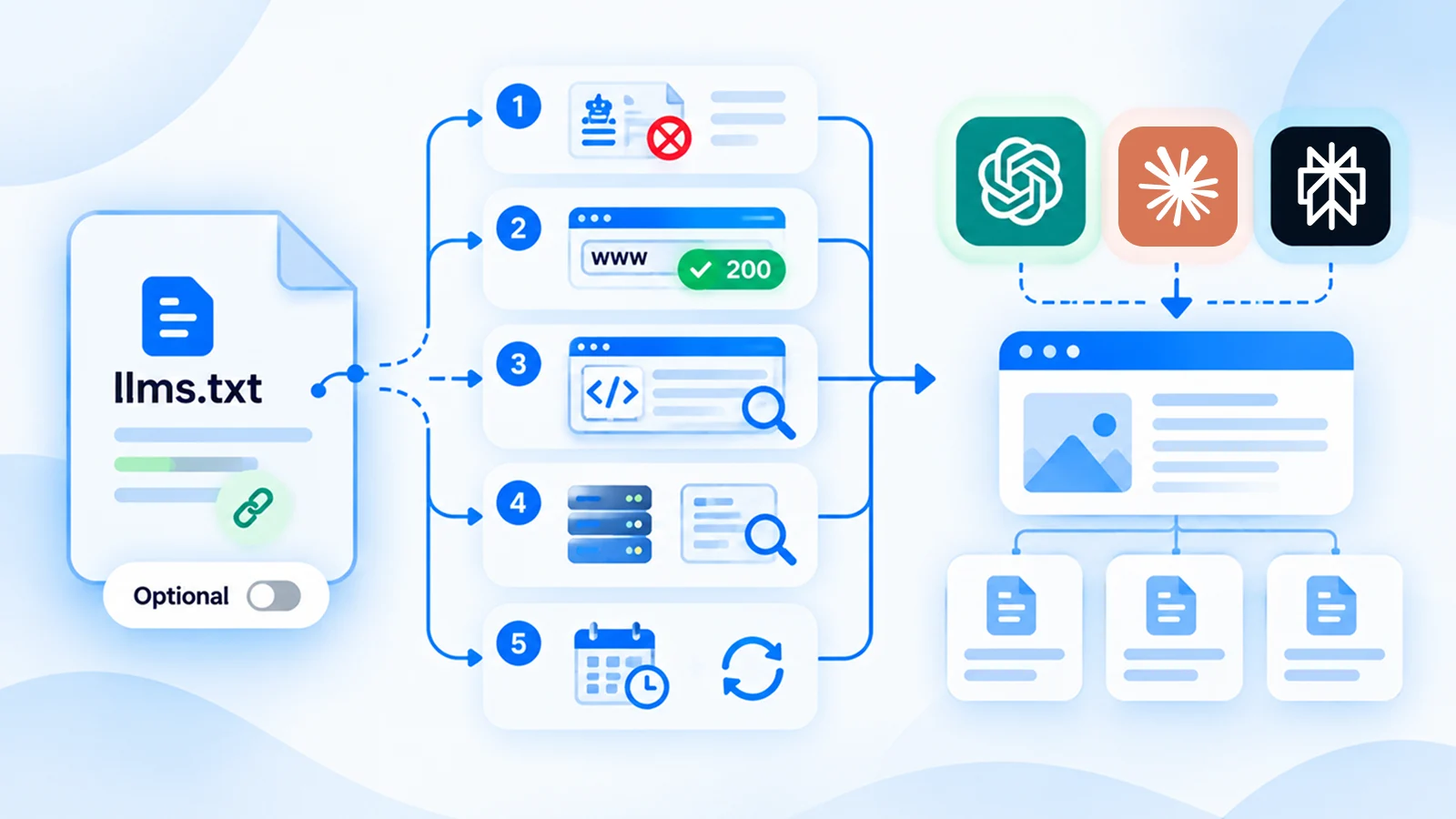
It will not fix a blocked crawler, and no engine behavior should be assumed from having one. Work through this list in order:
- Fix any blanket or wildcard rule in robots.txt that catches bots you want.
- Confirm normal and bot-style requests both return a success status.
- Make sure key text appears in the raw HTML.
- Review server logs, matching bot IPs against published ranges.
- Re-test after every change, allowing about a day for OpenAI's changes to apply.
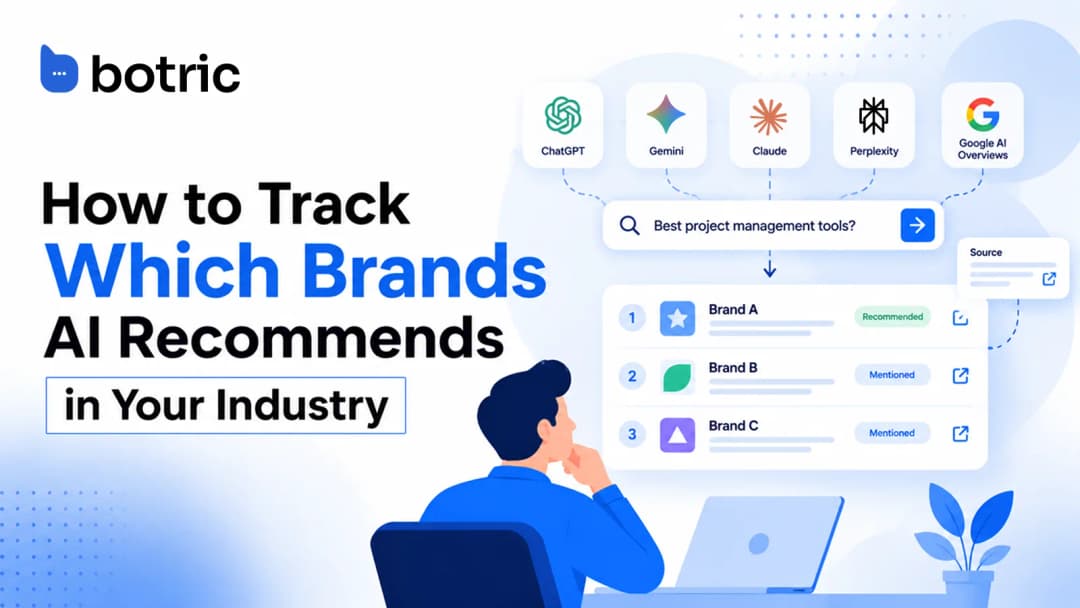
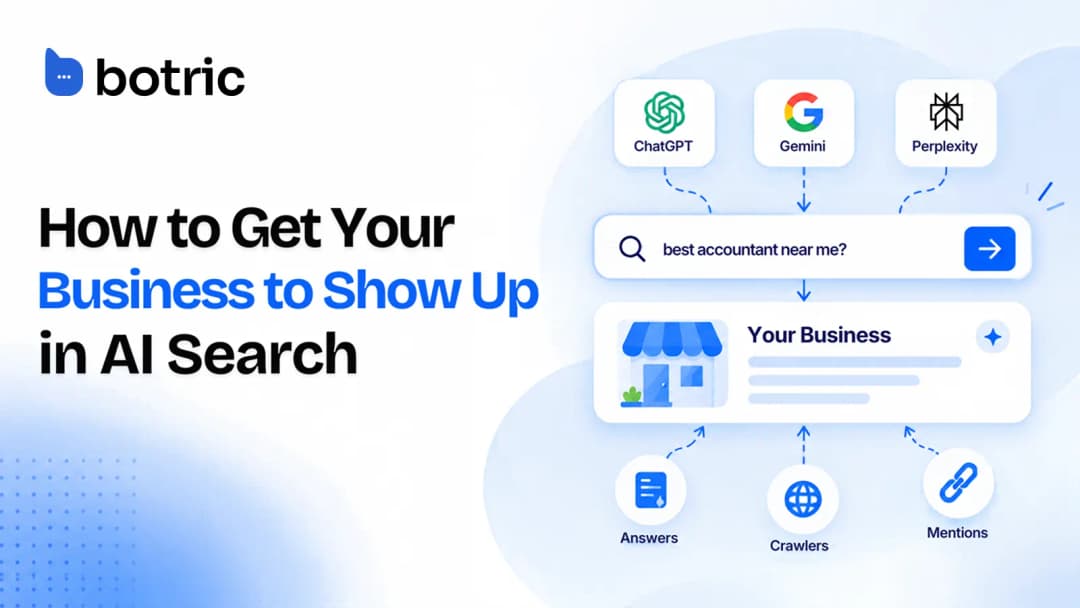
Once the technical basics pass, the rest of the work is content and outside mentions, which how to get your business to show up in AI search walks through. To see whether your fixes change what AI says about you, track which brands AI recommends before and after.
If you'd rather not do this by hand, Botric covers schema, llms.txt and entity engineering, and its free tools run quick checks without an account. Nothing here guarantees citations; it only removes technical barriers.
Conclusion
Whether AI crawlers can read your site comes down to access and delivery. Robots.txt decides whether a bot is invited, your server and firewall decide whether it gets in, and your HTML decides whether it finds anything once inside. Check all three, treat each AI bot as its own case, and verify real crawler traffic by published IP ranges.
llms.txt and schema are optional extras that will not fix a blocked or script-heavy page. Fix the basics first and re-test after each change. For a faster pass, Botric's free audit runs related checks automatically.
- Run three checks: robots.txt, a successful response, and key text in the raw HTML.
- Treat GPTBot, ClaudeBot and PerplexityBot as separate bots, each with its own purpose and rules.
- Allowed in robots.txt does not mean reachable: firewalls and CDNs can still reject bots.
- Verify real crawler traffic by published IP ranges, because user-agent names are easily forged.
- If your site is blocked or JavaScript-heavy, fix robots.txt and server rules first, then treat llms.txt and schema as optional extras.
Botric's free audit flags blocked crawlers in robots.txt, missing JSON-LD schema and a missing llms.txt in about 30 seconds, with no signup.
Frequently Asked Questions
Does blocking GPTBot also remove you from ChatGPT search?
No. OpenAI says OAI-SearchBot and GPTBot are independent settings, so you can disallow GPTBot and still allow OAI-SearchBot for search results.
What is the difference between ClaudeBot and Claude-User?
ClaudeBot collects web content that could contribute to model training. Claude-User fetches pages when a person asks Claude something, and Claude-SearchBot is a third bot that analyzes content to improve search results.
Does ChatGPT-User follow robots.txt?
OpenAI says robots.txt rules may not apply to ChatGPT-User, because its fetches are started by a person using ChatGPT. Use OAI-SearchBot rules to control whether your site appears in ChatGPT search.
Does robots.txt actually stop a crawler?
Only one that chooses to obey it. Enforcement needs server or firewall rules.
How do you confirm a bot is genuine?
Match the connecting address against the operator's published IP list. A user-agent string alone proves nothing, since it is trivial to forge.
If curl with a GPTBot user-agent returns a success status, am I safe?
That test only shows your server answers a request carrying that name. A firewall that checks the real source address could still reject the actual crawler.
Is llms.txt required for AI crawlers to read my site?
No. It is a proposal, and the official docs cited in this guide do not state that these crawlers use it.
What if my page looks fine in a browser but fails the grep test?
Your content probably loads through JavaScript after the first response. Serve the key text in the initial HTML so a fetch that never runs scripts still sees it.